FreeNo sign-up · No watermark · Nothing uploaded
Free AI Photo EnhancerSharper photos in seconds
Upscale 2× or 4×, unblur, remove noise, brighten dark shots and restore old photos. The AI runs right in your browser, so your photos never leave your device.
Drop a photo to enhance it
or paste it (Ctrl/⌘ + V). JPG, PNG, WebP, AVIF.
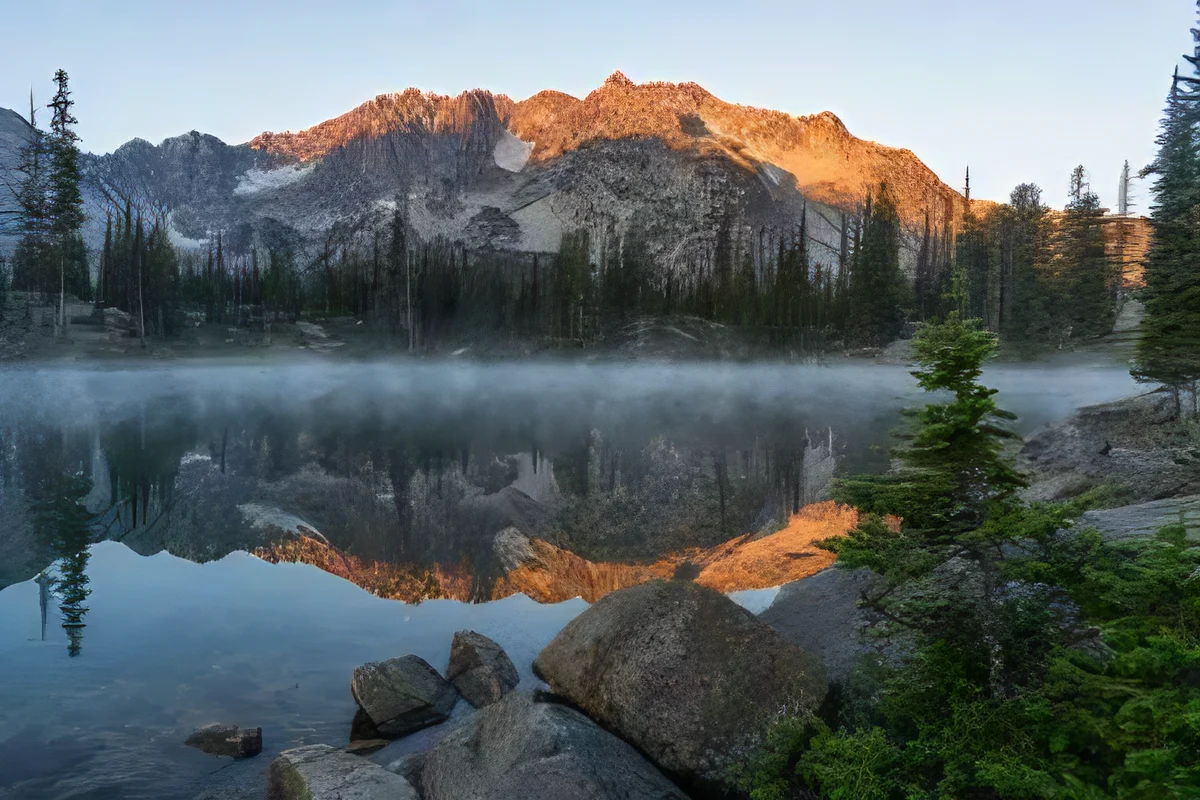
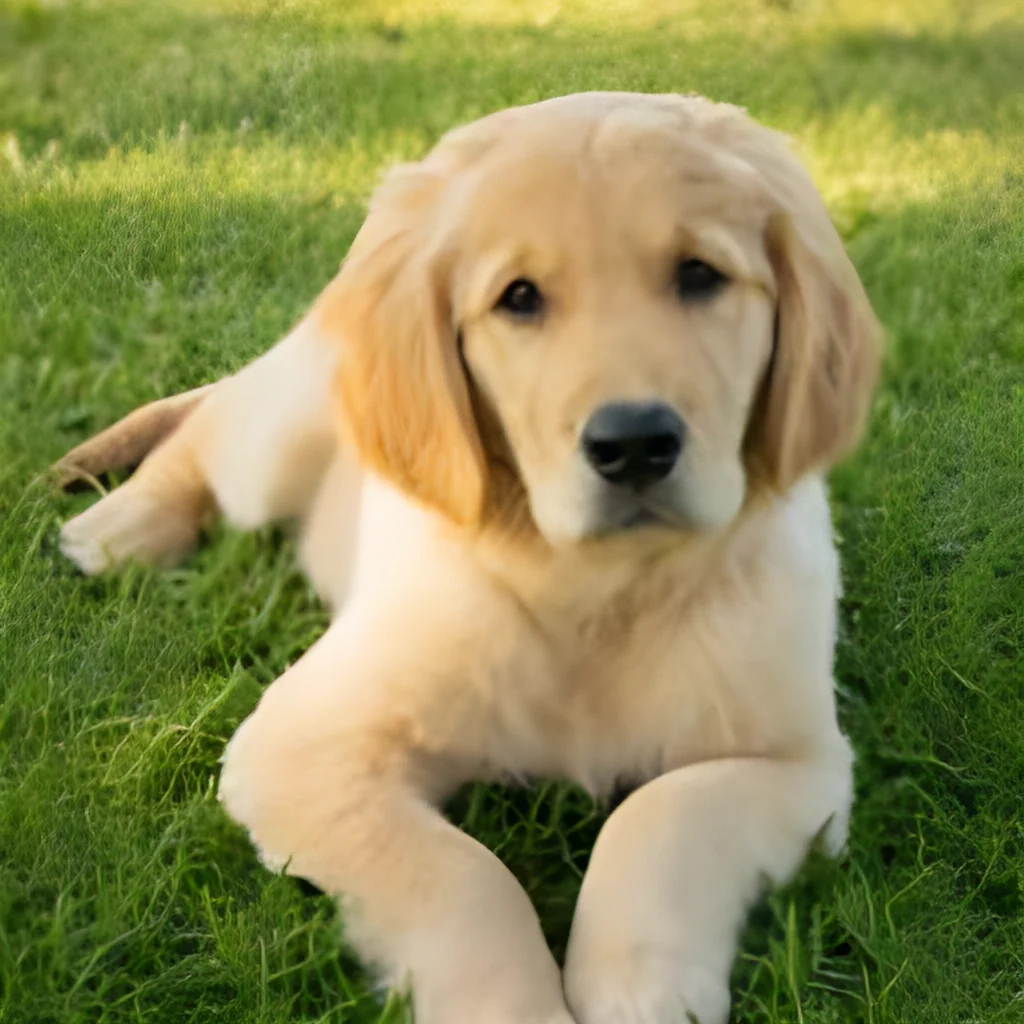
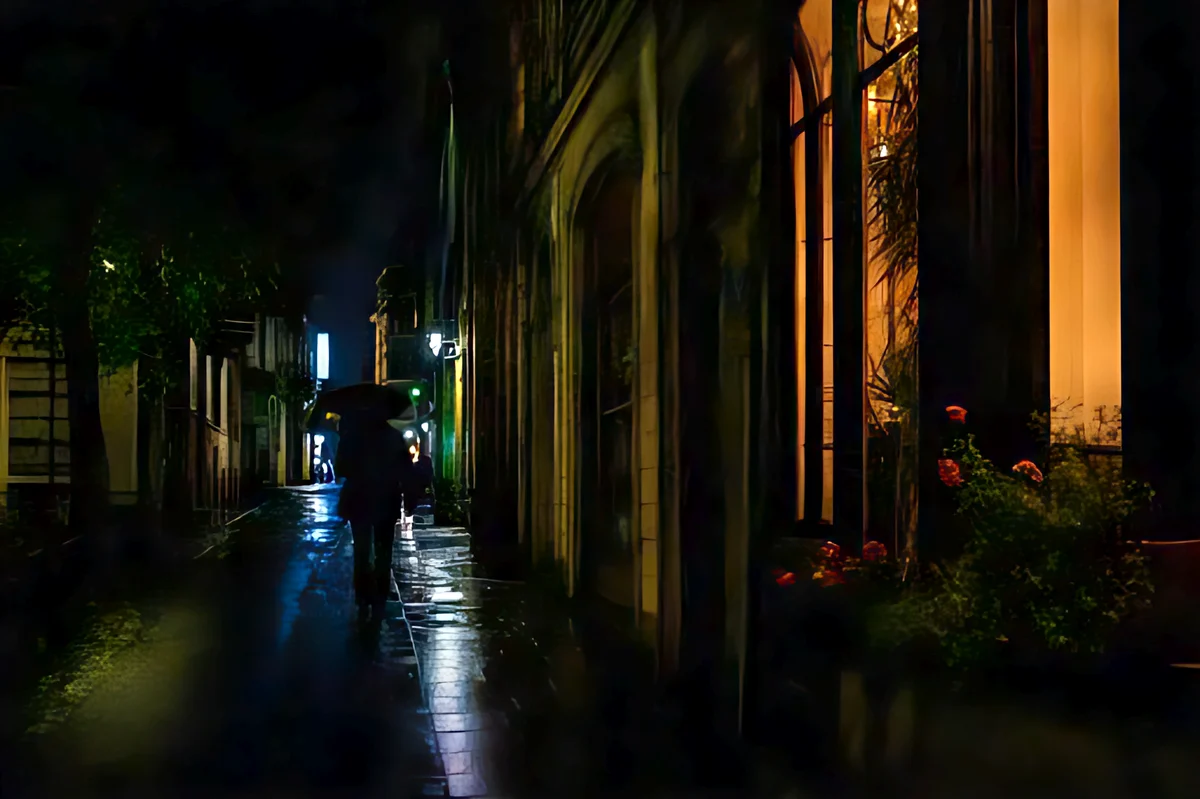
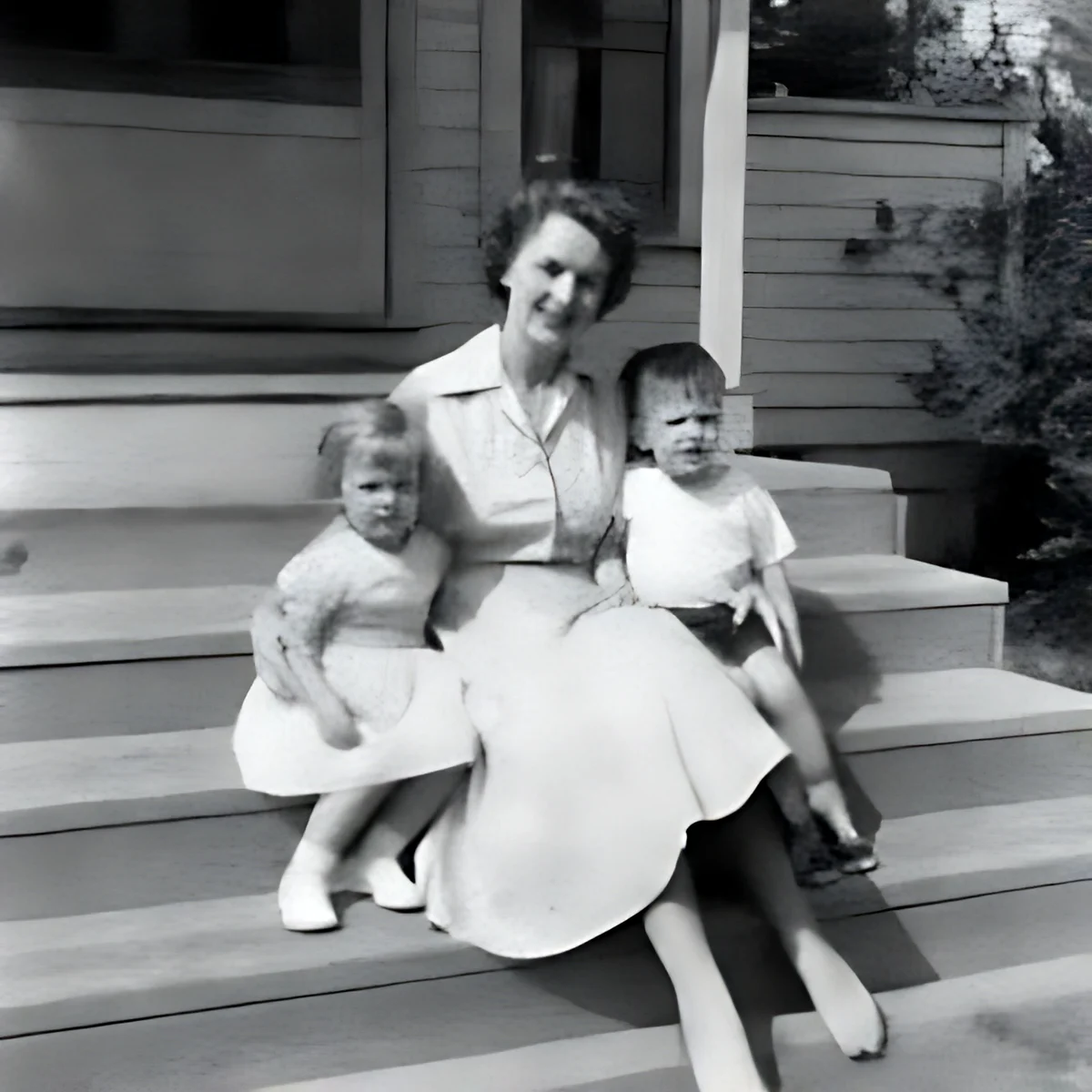
No photo handy? Try one:
Private: your photo is enhanced on this device and never uploaded.
One enhancer, every fix
Pick a problem. We'll fix it.
- AI Image UpscalerBigger, with real detail
- Unblur Image OnlineSoft photos, sharp again
- Remove Noise from PhotosGrain out, detail in
- Restore Old PhotosBring memories back
- Low Light Photo EnhancerDark photos, brought to light
- Increase Image ResolutionLow-res to HD
- Anime & Illustration UpscalerClean lines at any size
- Portrait & Selfie EnhancerStill you, only sharper
- JPEG Artifact RemoverBlocks and halos, gone
- Auto Color CorrectionTrue colors, one click
- Upscale Images for PrintSharp at any print size
Real results, not mock-ups
Drag to see the difference
Each “before” is a small, damaged photo. Each “after” is exactly what this site's AI produced from it, with no retouching.

 BeforeAfter
 BeforeAfter

 BeforeAfter
Built to be the photo enhancer you trust
Private by design
Photos are processed on your device. There is no upload step, so there is nothing to leak, store or train on.
Actually free
No credits, no daily limit, no watermark, no account. Enhance as many photos as you like.
Fast on your GPU
WebGPU runs the model on your graphics card. Most photos finish in a few seconds; older devices fall back to the processor.
Real detail, not fake faces
Real-ESRGAN restores what's there. It doesn't hallucinate a different person into your photo.
Full control
Four AI models, 1×/2×/4×, and live sliders for exposure, shadows, highlights, warmth, tint, vibrance, clarity and sharpness.
Works offline
Once the page and model have loaded, you can turn off Wi-Fi and keep enhancing.
How to enhance a photo
Three steps, about ten seconds. Want more depth? Read the photo quality guide.
- 1
Add your photo
Drop it on the box above, paste it, or choose a file. Try a sample if you just want to see it work.
- 2
Let the AI work
It picks sensible defaults: Balanced model, 2×, auto light and color. Change the model or size and press Enhance again.
- 3
Compare and download
Drag the slider, zoom to 100%, tweak the sliders, then download as JPG, PNG or WebP.
PhotoEnhancer vs. typical online enhancers
| PhotoEnhancer | Typical cloud enhancer | |
|---|---|---|
| Where your photo goes | Stays on your device | Uploaded to a server |
| Price | Free, unlimited | Free tier with credits, then subscription |
| Watermark | Never | Often on free downloads |
| Account | Not needed | Usually required |
| Faces | Restored, not replaced | Often regenerated by a face model |
| Manual control | Model, size and 10 sliders | Usually one button |
Comparing specific apps? See PhotoEnhancer compared with other photo enhancers.
Frequently asked questions
Is PhotoEnhancer really free?
Yes. There are no credits, no sign-up and no watermark. The AI runs on your own device instead of our servers, which is what makes it possible to keep it free.
Are my photos uploaded?
No. Your photo is opened, enhanced and saved entirely inside your browser. The page only downloads the AI model (about 5 MB, once) and never sends your image anywhere. You can disconnect from the internet after the page loads and it still works.
How does the AI photo enhancer work?
It runs Real-ESRGAN, an open super-resolution model, with ONNX Runtime Web on your graphics card (WebGPU) or processor (WebAssembly). The model removes noise, blur and compression and redraws detail at up to 4× the size. Then auto levels, white balance and light adjustments run on your graphics card at full resolution.
What's the maximum image size?
Results up to about 50 megapixels on desktop Chrome, Edge and Firefox, and about 16 megapixels on Safari and phones. Inputs larger than your device can process quickly are scaled to fit, and the tool tells you when that happens.
Which browsers are supported?
Any modern browser: Chrome, Edge, Firefox, Safari and Samsung Internet, on desktop and mobile. Browsers with WebGPU (recent Chrome, Edge and Safari) are the fastest. Others use the processor, which is slower but gives the same result.
Can it fix a very blurry photo?
It fixes soft focus, low resolution and compression blur very well, and improves camera shake. Heavy motion blur gets cleaner but not perfectly sharp, because that detail isn't in the photo. We don't invent new faces to fake it.
Does it change faces?
No. PhotoEnhancer uses a restorative model that sharpens and cleans the pixels that are there. It doesn't paste a generated face over yours the way some beauty apps do.
What file formats can I use?
Open JPG, PNG, WebP, AVIF, GIF and BMP (and HEIC in Safari). Download as JPG, PNG or WebP. Transparency in PNGs is preserved.
Guides
All guides- 6 min readHow to enhance photo qualityMost photos that look bad have one or two of the same five problems. Fix them in the right order and almost any photo gets noticeably better in under a minute.
- 5 min readHow to upscale an image without losing qualityMake an image bigger in any normal editor and it gets blurry. Here's why, and how AI upscaling makes a larger image that actually looks sharper.
- 5 min readHow to fix a blurry photoSome blur can be fixed in seconds; some can't be fixed by anything. Knowing which kind you have saves a lot of frustration.
Your photos, but better
Free, private and ready when you are.
Enhance a photo now